


How to change your My Account Manager password
A step-by-step guide on how to change the password for your new online account management tool.
1: Log in to My Account.
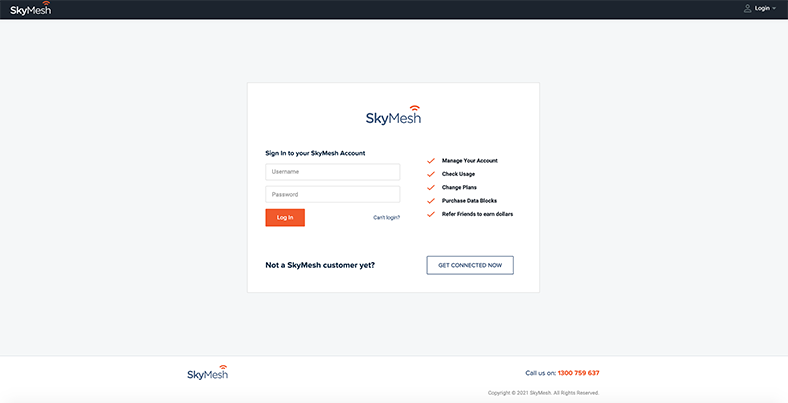
2: Navigate up to where your name appears in the top right-hand corner and click on the dropdown menu. Select Password

3: Complete the form and click the orange Update button?

Your password is now updated.
Check your address
See what’s available at your property
“”