


Fibre to the Premises (FTTP) plans
Check your address to see which nbn® technology type is available at your property. If FTTP is available, explore the Skymesh fibre plans you can order at your place.
Free standard installation* | No lock-in contract | Over 20 years | No demand surcharges | Support 7 days a week
Join today with our 30-day satisfaction guarantee. Terms apply.


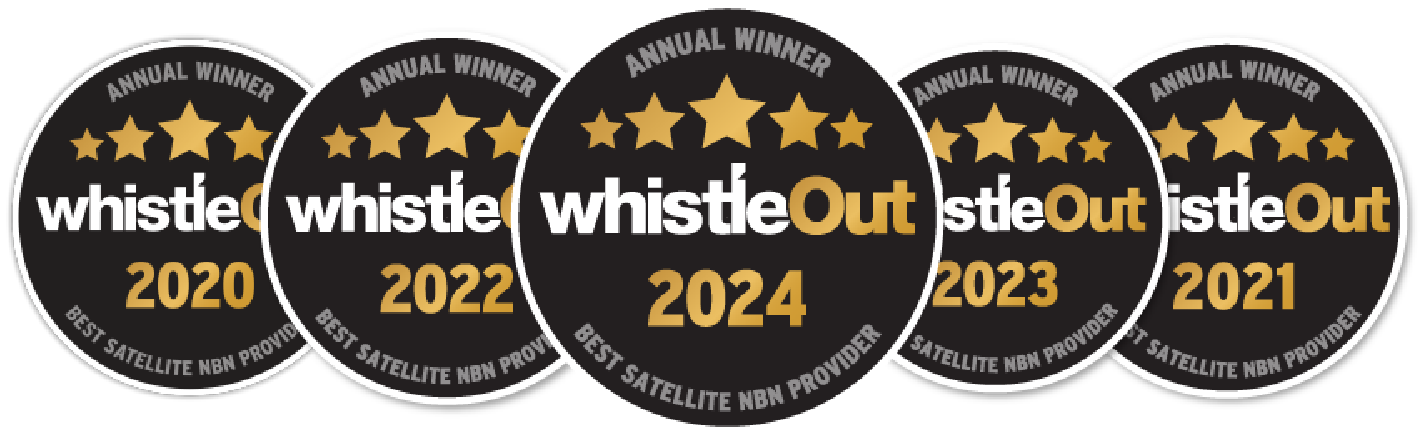
Multi-award-winning
Winning 5 Whistleout awards is testament to our unwavering commitment to delivering reliable internet services to regional and rural Australia.
Keeping Australia connected to what matters
We’ve helped connect thousands of remote and regional Australian families to better internet services and they couldn’t be happier.
See what’s available at your property
Skymesh FTTP internet plans
Fibre to the Premises (FTTP) is an nbn® Fixed Line technology where fibre runs directly to the premises. nbn® determines and allocates the technology type available at each premises. Check your address first so you are comparing plans you can actually order at your property.
If nbn® has allocated FTTP to your address, you can compare the Skymesh plans available by household use, speed, price and plan terms.
The plan that may suit your home depends on how your household uses the internet, how many devices are online at once and what’s available at your address.
Which fibre plan could suit my household?
| Plan | Consider this plan if… | Plan details |
| nbn® 25 | Households with 1-2 users streaming in HD and browsing simultaneously. | View nbn® 25 plans |
| nbn® 50 | Households with 2-3 users streaming in HD and browsing simultaneously. | View nbn® 50 plans |
| nbn® 100 | Households with 4+ users streaming in 4k, gaming, and browsing simultaneously. | View nbn® 100 plans |
| nbn® 500 | Designed for households with 9+ users streaming in 4k, gaming, and browsing simultaneously. Available on FTTP and HFC connections only. | View Fibre Fast+ |
Check your address to see which nbn® technology type and Skymesh plans are available at your property.
How do nbn® technology types differ?
The nbn® network uses three main connection types: Fixed Line, Fixed Wireless, and Sky Muster® satellite.
- Fixed Line connection. Uses fibre optic cable to carry the connection towards your premises. nbn® uses a mix of different technologies across Australia. The Fixed Line technology types are Fibre to the Premises (FTTP), Fibre to the Building (FTTB), Fibre to the Node (FTTN), Fibre to the Curb (FTTC), and Hybrid Fibre Coaxial (HFC). For the last part of the connection, some Fixed Line technology types use existing copper or coaxial cabling rather than fibre, which can affect the speed of the service.
- Fixed Wireless connection. Uses radio signals and outdoor antennas to connect the premises to the nbn® network.
- Sky Muster® satellite connection. Uses two satellites and a satellite dish installed at your premises to connect you to the nbn® network. Skymesh can also help Sky Muster® customers move to Amazon Leo (formerly Project Kuiper) once it becomes available.
You can also use our compare internet guide, read about FTTC speeds and FTTN speeds, or see how cable internet works.
Who are FTTP plans best suited for?
If you work from home or run a business that relies on internet connectivity, an FTTP plan may be worth considering. Fibre optic cable runs directly to the premises, without copper or coaxial cabling for the final part of the connection. Depending on what’s available at your address, the plan you choose and your setup, FTTP may suit activities such as file sharing, video conferencing and online gaming. Fibre is widely considered the best performing fixed line technology for both speeds and reliability.
Can I upgrade to FTTP?
Some addresses currently connected using another Fixed Line technology may be eligible for an FTTP upgrade. Eligibility and installation requirements are determined by nbn®, so the process can vary depending on the premises.
If your address qualifies, the upgrade is generally linked to ordering an eligible plan. nbn® then extends fibre to the premises and installs the required connection equipment, while the existing service will usually remain active until the new connection is ready.
Our FTTP upgrade guide explains the current process and what to expect at each stage.
How do I check if FTTP is available at my address?
nbn® determines and allocates the technology type available at each premises. Check your address to see the nbn® technology type, Skymesh plans and whether a technology upgrade may be available.
If your address cannot be matched or is listed differently, contact Skymesh. Sometimes nbn® has a property listed under a different name or may not have a record of it yet. We can raise an address query with nbn® at no cost to you and help get the address added so you can order an nbn® service.
Looking for a lower monthly cost?
If keeping the monthly cost down is your priority, see our cheap internet plans and cheap Wi-Fi options, then check your address to see what is available at your place. A lower-priced plan is not automatically the right fit; consider the ongoing price, plan terms and how your household uses the connection.
Why choose Skymesh for FTTP?
Skymesh has been connecting regional Australia since 2005. We’ve helped Aussies stay connected wherever they call home, from the city to the bush.
Skymesh offers free standard installation (nbn® charges may apply for non-standard installations), no lock-in contract, a 30-day satisfaction guarantee and no demand surcharges on plans. Terms, conditions, and eligibility apply.
Check your address to see which Skymesh plans are available at your place.
Get connected with Skymesh
Check your address to see which Skymesh FTTP plans may be available at your place, or call 1300 759 637. Give us a shout, we’re here to help.
*Free standard installations exclude the new developments charge and subsequent installation charge.
Have Questions?
Frequently asked questions
Can I change my FTTP plan later?
Yes. Skymesh customers can request a plan change at any time on Fibre and Fixed Wireless, with no administration fee to request the change. Contact Skymesh to review the plans available at your address.
Do I need a new router for FTTP?
Not necessarily. You’ll need a Wi-Fi router to connect your devices to your Skymesh service. The nbn® connection box, or NTD (Network Termination Device), is supplied by nbn®.
If you already have a router, whether it remains suitable depends on its capability and the plan you choose rather than FTTP itself. If you’re unsure, check with Skymesh support or view our Wi-Fi router options.
See what’s available at your property
850+ 5 Star reviews
What a few of our happy customers think

Great people to deal with
Always ready to help if you have dramas, good coverage. Where I live, there will never be Fibre. Skymesh was a godsend.
Reviewed October, 2026
Ended up coming back
Was with this ISP but have been with another provider for the last 6 months. Ended up coming back to Skymesh. The service is just better & seems more reliable than the others.
Reviewed October, 2026
With Skymesh for 5 years now
Eldrin was so understanding and very helpful with my enquiry today. I’ve been with Skymesh for 5 years now and will definitely continue to use them for my home internet.
Reviewed September, 2026
Fantastic
Just moved over to Skymesh and Mary Grace has been fantastic helping us get everything sorted and troubleshooting any issues. Thank you!
Reviewed September, 2026
Extremely polite
Spoke with morning with Dave, he was extremely polite and helpful. Got my issue sorted quickly. Thank you for being so respectful of me.
Reviewed September, 2026
Great service
Very efficient and sorted my issue out straight away. Great service. First time customer and very happy.
Reviewed September, 2026
Satisfaction Guarantee
View Terms
Join today confidently with our 30-day satisfaction guarantee. Talk to our team today to learn more and get connected.

Let’s chat
Our friendly team is ready to help out with all new connection enquiries. Give us a shout, we’re here to help.